


Domain update on July 2 Saturday between UTC 8:00 and 20:00
(drawings made during this time may potentially be lost)
WARNING
This Strip is Not Safe For Work!
WARNING
Possibly naughty bits ahead!
Scroll down at your own risk!
Strip ID: 1287 Created: 2022-10-29 03:39:49 Panels: 4/4 [Editable] Likes: 7 Comments: 21

Group: tools

Presents
Save Image
SHOW FRAMES


2022-10-29 03:41:59

2022-10-29 03:44:06
also to be perfectly sure make a screenshot just in case
2022-10-29 19:20:08
2022-10-29 03:50:03

PREV
XXX
NEXT
1234
LIKES: 7 
Comments
Peyo
2022-10-29 04:11:43
#1
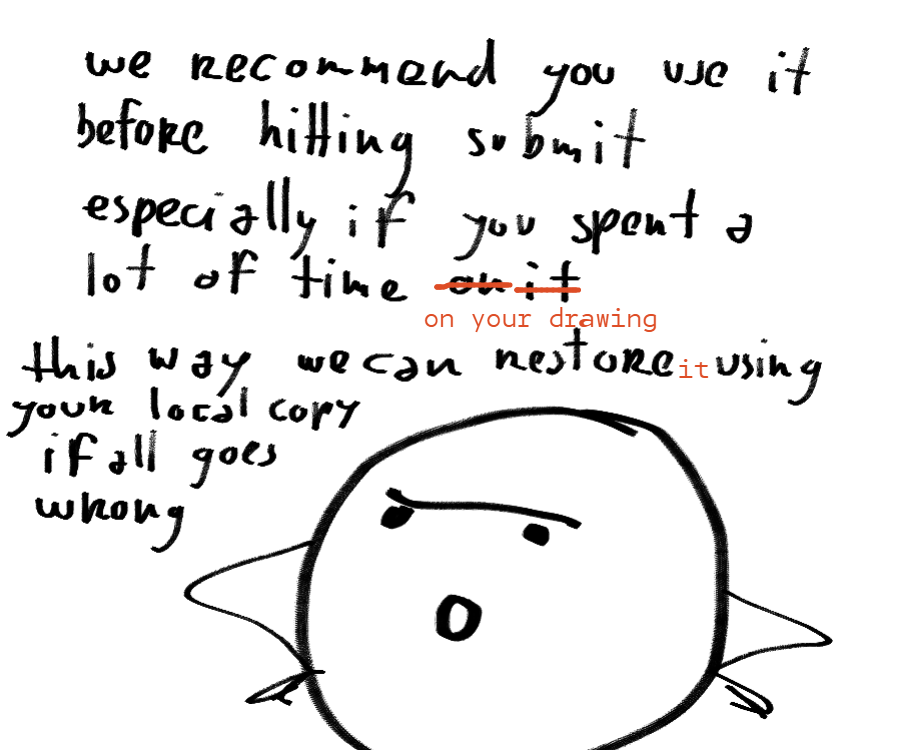
ok to sum it up for those of you out of the loop:
- it seems that people get randomly logged out lately (cause unknown)
- if this happens during drawing the backup fails and also submit will fail
- if you have a local copy of your drawing then I will be able to hack it in manually

Zeezei
2022-10-29 07:55:37
2022-10-29 07:55:12
#2
I applaud your efforts to secure OUR efforts! ^^ Thank you!

Painovoima
2022-10-29 19:45:52
#3
Bless you, and your endless generosity, Tomato Man! You spoil us with these amazing features my friend, `Peyo` 🥹

KMP
2022-10-29 21:11:16
#4
seriously the most caring admin imaginable, we need to advertise this site somehow
Peyo
2022-10-30 01:28:38
#5
I'm glad you guys are satisfied!
of course from my perspective it's a bit different:
web tech seems to be built on nothing but glue and prayer and I'm in a constant distress about it .. so many things are out of my control: anything could break anytime and this could mean that someone might lose a lot of work .. it's just such a responsibility 😓

jblask
2022-11-02 17:57:17
#6
Thank you so much!!

TeeEffDee
2022-11-03 05:32:32
#7
`Peyo` With the inclusion of the download button, and your offer to help hack any lost pics back into the strips, you've gone waaaay above and beyond what most sites ever do. So you're definitely covered as far as being blamed for any losses goes. You have been on all fronts giving the users the tools they need to protect themselves whether it's from vandalism or art loss and that's really all you can ever do, the rest is up to the users.
Peyo
2022-11-03 11:18:51
#8
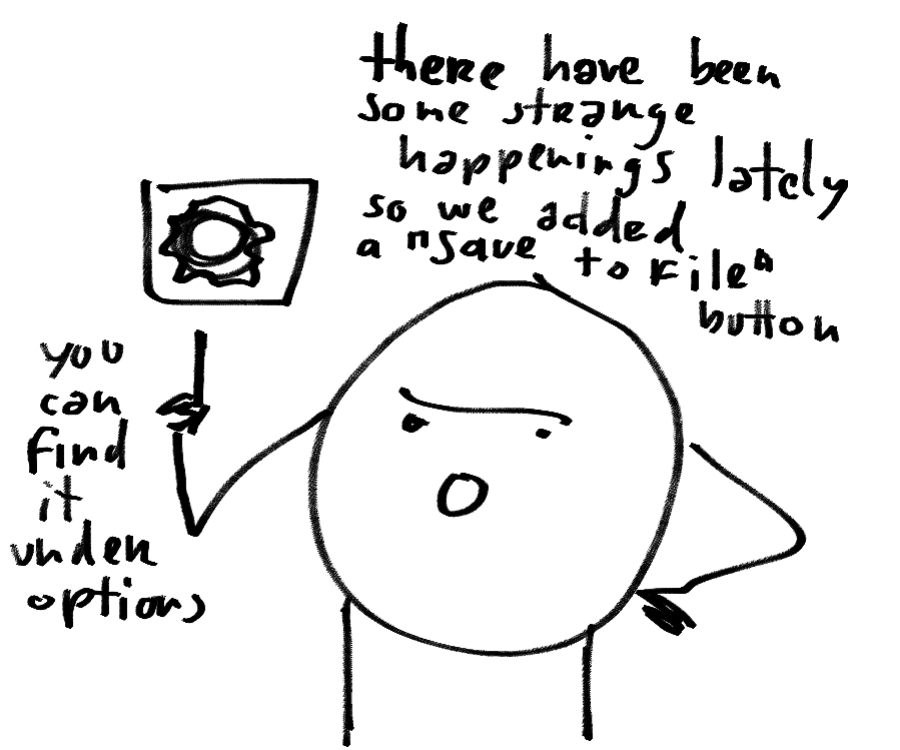
`TeeEffDee` what I'm afraid of we might forget about this feature too .. not sure how to make it more visible (I was going to add a standard floppy icon save first but that could be confusing what it does .. maybe I should add it to the submit popup too?)
TeeEffDee
2022-11-03 11:43:23
#9
`Peyo` I have no idea how easily this could be done but if you want my opinion as someone who does an awful lot of safety backups and saving...
Step one would be to make it trigger through an easy hotkey so that while working, someone can just hit a key to quickly save a copy of their work. (As far as I know this should have zero impact on the site since this is happening locally, so there's no implication for the site to letting people save as much as they want)
Step Two I'd say make it do-able from the main interface, as having to go under the gear does keep it out of sight and therefore possibly out of mind. I'd say it should be clearly labeled as something like "Safety Save" so it's not icon reliant. A floppy icon would probably work great, either that or the standard line with an arrow pointing down from it download icon.
Step three which would be an extra nice bonus for people like me would be to make the saves be sequentially named (there could be a checkbox option for this under settings in case someone only wanted one save) so for example if it was saving a panel from a comic called "Super Cool Comic" and was the 4th panel it would save as "Super_Cool_Comic_P4_TeeEffDee.png" and then if I saved again it would automatically iterate so the next save was called "Super_Cool_Comic_P4_TeeEffDee_001.png" and the next would be automatically named "Super_Cool_Comic_P4_TeeEffDee_002.png" and so on. This allows people to build up a practice of just saving repeatedly without over-writes which can be nice for a number of reasons, a couple of which are you don't have to confirm file replacement and you keep a list of your progress if you want to in the form of an image stack.
Making sure to have descriptive filenames which keep track of the project name, panel number, and username means if those things change later for any reason it won't cause a problem.
TeeEffDee
2022-11-03 11:58:26
#10
`Peyo` Another suggestion (this is a bit more advanced and is more for future proofing and possibly just something to keep in mind) would be create your own "Frame Format" that's a scalable container that just stores whatever might be in a frame, such as numbered layers, designations for exterior files on the site (such as backgrounds) actual .png files, captions, and anything else that might be part of a frame. This container could become a really easy way to move frames around or save them intact with their layers. It might be possible to use a compressed .ora (Open Raster) file for storing the graphical assets, because I know that's a really good open source format which is freely available. This would give a little side benefit that the file could be opened, intact, in Krita or Drawpile. So for example, the container which could be called something like .chu could be a 7zip file which contained a .ora file that had the graphical aspect of the frame on it, then could additionally hold text files with whatever additional info was needed such as frame rates for animations, captions, and so on. It might seem like a daunting idea at first glance but if you think it over, creating a container that can scale with need later streamlines a lot of things.
Peyo
2022-11-03 12:25:48
#11
i'm afraid saving anything beyond png or jpg might be out of javascript capabilities (at least browser javascript - it would involve writing my own exporter -- what makes that tricky is all the compression a format uses that would have to be re-implemented in js somehow)
aww I forgot about backing up layers locally .. anyway
your ideas gave me an idea:
maybe the floppy icon could open a seperate backup menu
with also buttons to save all layers?
(that would solve the confusion at least)
due to security stuff I will probably cannot save them sequentially (I would need to check your hdd to figure out what is the last saved number was -- on the other hand I think chrome auto renames duplicate files on download)
I guess i could just add the date/timestamp to the filename? (as long as the layer strip and user id is there it will be easy to restore.. hmm)
TeeEffDee
2022-11-03 12:49:34
#12
`Peyo` I'll keep an eye open to see if I spot anything helpful about saving other formats. That suggestion is definitely more of something for "a future thing if you were looking for a challenge that would have a good outcome" as opposed to "this is needed."
And yes, using a timestamp or date and time stamp is great, because if it incorporates seconds it's going to never be duplicated under normal use. That could work well in place of incrementing a filename.
Have you checked into the arising JPEG XL format? Its ability to store frames would allow it to hold layer data.
TeeEffDee
2022-11-03 12:53:46
#13
`Peyo` Generally the closer a feature comes to being able to invoke with just a single keypress or click the better. For example, when I animate I tend to rough in all the frames first, meaning if I'm doing a 50 frame animation I'll rough in and save all 50 frames during a first pass, then do additional passes to add detail or effects. So, each frame gets loaded and saved multiple times. That unfortunately means having to confirm a save every time becomes a serious time sink, so of course it makes me wish for a one-click "save current frame and return to the main body of the project so I can quickly select and edit another frame" solution. The same will generally be true with a save feature, the easier it is for someone to save a copy and get on with things the more likely they will be to actually use it.
Peyo
2022-11-03 13:28:02
2022-11-03 13:27:28
#14
so far I checked into webp -- thinking as it was an old format now and has animation browsers definetly must support it and could be used to export the animations -- but turns out only displaying them is supported, they never bothered to add support for export (at least with anim) .. so I'm not too optimistic if this JPEG XL or any new formats will be supported anytime soon
I can add a shortcut sure (just press S? Ctrl+S might be used by the browser.. hmm)
but you don't need to backup for each and every frame
the backup is really is for these very long painting sessions (2-3 hours) in case the submit might fail.. so if the submit is succesful the layers are backed up and nothing to worry about
(but then again I don't know how much time you spend on a frame)
TeeEffDee
2022-11-03 13:58:02
#15
`Peyo` Oops I meant I'd save all the frames to the site by submitting, not make an actual local save. I think JPG XL is being greeted with a lot of enthusiasm by the open source crowd so you never know you might see easy support for it come down the pike!
Peyo
2022-11-03 15:25:41
#16
I just did some research on it and turns out google is already hard at work on killing JPG XL ( e.g. they are removing it from chrome some next update)
google is giving microsoft a run for their money when it comes to being a jerk.. sigh 🙄
TeeEffDee
2022-11-03 15:32:52
#17
`Peyo` Oh gee! That's like...
Me: Wow, I am really excited for this new format!
Google: We are not going to support this new format.
Me: That was fast!
This only makes me think even more it's a good format!
Peyo
2022-11-03 19:52:08
#18
agreed
hmm.. it could be probably done through webassembly to export absolutely anything (like converting a cpp exporter to js maybe) but I'm not much familiar with it .. so another feature for the far future
Painovoima
2022-11-04 01:35:23
2022-11-04 01:34:00
#19
Awesome suggestions and idea brainstorming, you both make it easy to comprehend and follow along with how you explain things. Excited to see what you come up with, no matter how long it might take. Never a rush! 😁
And in regards to seeing the site from your perspective, `Peyo` ,I understand my friend, did not consider that distress you were facing! Personally, like TFD said, thanks to your providing us with all necessary tools to preserve our work (I just save my stuff via screenshot or save completed image to device).
But if anything were to happen to the site, should the glue and prayers fail 😅, I would not be upset if all my work was lost, can always start all over 😉👌
Besides I’d rather think fondly of the good times here, all the wonderful collaborating and practice, then know our good friend Peyo is in distress trying to secure/maintain a place for us to hang. Guess what I am rambling on about is I hope you can keep this site up without sacrificing your sanity for us! If there is anything we can do, certainly most of us would be willing to 🫡
Peyo
2022-11-05 13:54:16
2022-11-05 13:54:04
#20
`TeeEffDee` I just remembered that due to another feature request we got the WASDFGH buttons select the palette colors
and I was going to use S to save the layer as a hotkey..
is there any other shortcut that seems convenient for this?
TeeEffDee
2022-11-05 14:11:06
#21
`Peyo` Hey there! I tried the keyboard control of the colors and honestly couldn't figure out what was going on. Every time I would scroll back to a color I had selected it would open the color picker. If you're talking about saving the layers, maybe assigning hot keys to save each layer to for example numpad 9, 6, 3 and . or to numpad + for saving the current layer, or all layers.
Preview
Comment
